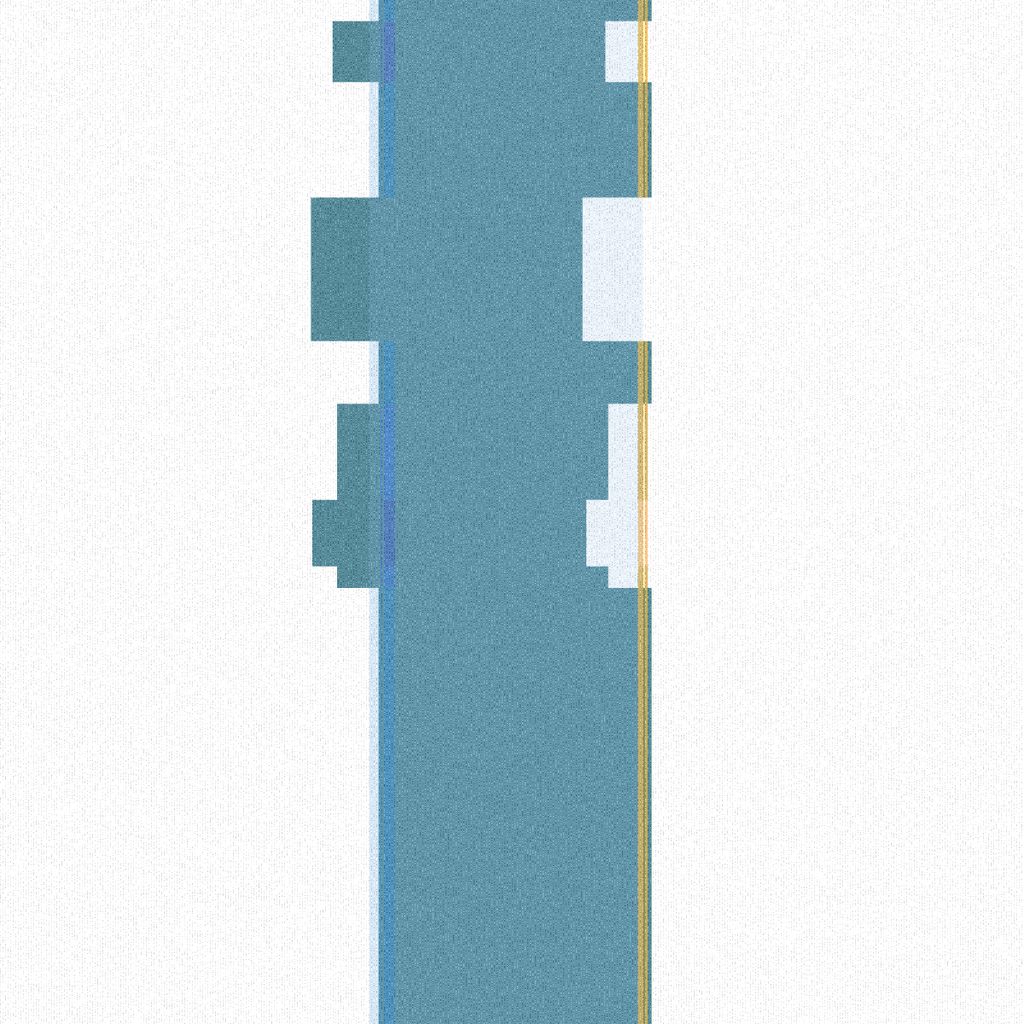
This is a generative brute trash can. A generative trash masterpiece written in Javascript by Mikhaelangel0x.
This trash is interactive. Open the live link below ("view original animation") to view animation and access all features.
Keyboard Functions:
- [1]: "light mode" (white bg)
- [2]: "dark mode" (black bg)
- [3]: set random background color
- [4]: set new random noise / grain pattern
- [5]: toggle "wide" trash can mode
- [6]: toggle max/min trash can opacity
- [7]: save 640x640px trash .gif masterpiece
- [8]: save 1200x1200px trash .gif masterpiece
- [9]: save 2000x2000px trash .gif masterpiece
- [0]: reset canvas after saving .gif
- Hold [Y]: increase trash can opacity
- Hold [T]: decrease trash can opacity
- Hold [X]: increase grain amount
- Hold [Z]: decrease grain amount
- Hold [V]: increase grain increment
- Hold [C]: decrease grain increment
- [Hold 'r' + ArrowUp]: increase bg 'r' color value
- [Hold 'r' + ArrowDown]: decrease bg 'r' color value
- [Hold 'g' + ArrowUp]: increase bg 'g' color value
- [Hold 'g' + ArrowDown]: decrease bg 'g' color value
- [Hold 'b' + ArrowUp]: increase bg 'b' color value
- [Hold 'b + ArrowDown]: decrease bg 'b' color value
- [F]: toggle full-screen mode
- [G]: save window-size trash .gif masterpiece
- [S]: save a screenshot as .png
TOUCH FUNCTIONS:
- 2-finger swipe left: "light mode"
- 2-finger swipe right: "dark mode"
- 1-finger swipe right / left: set random bg color
- 2-finger open: increase trash can opacity
- 2-finger close: decrease trash can opacity
- Double-tap: set new random noise / grain pattern
Created with p5.js.